
Learning (LMS) & online exams
Teach in class, online, or both
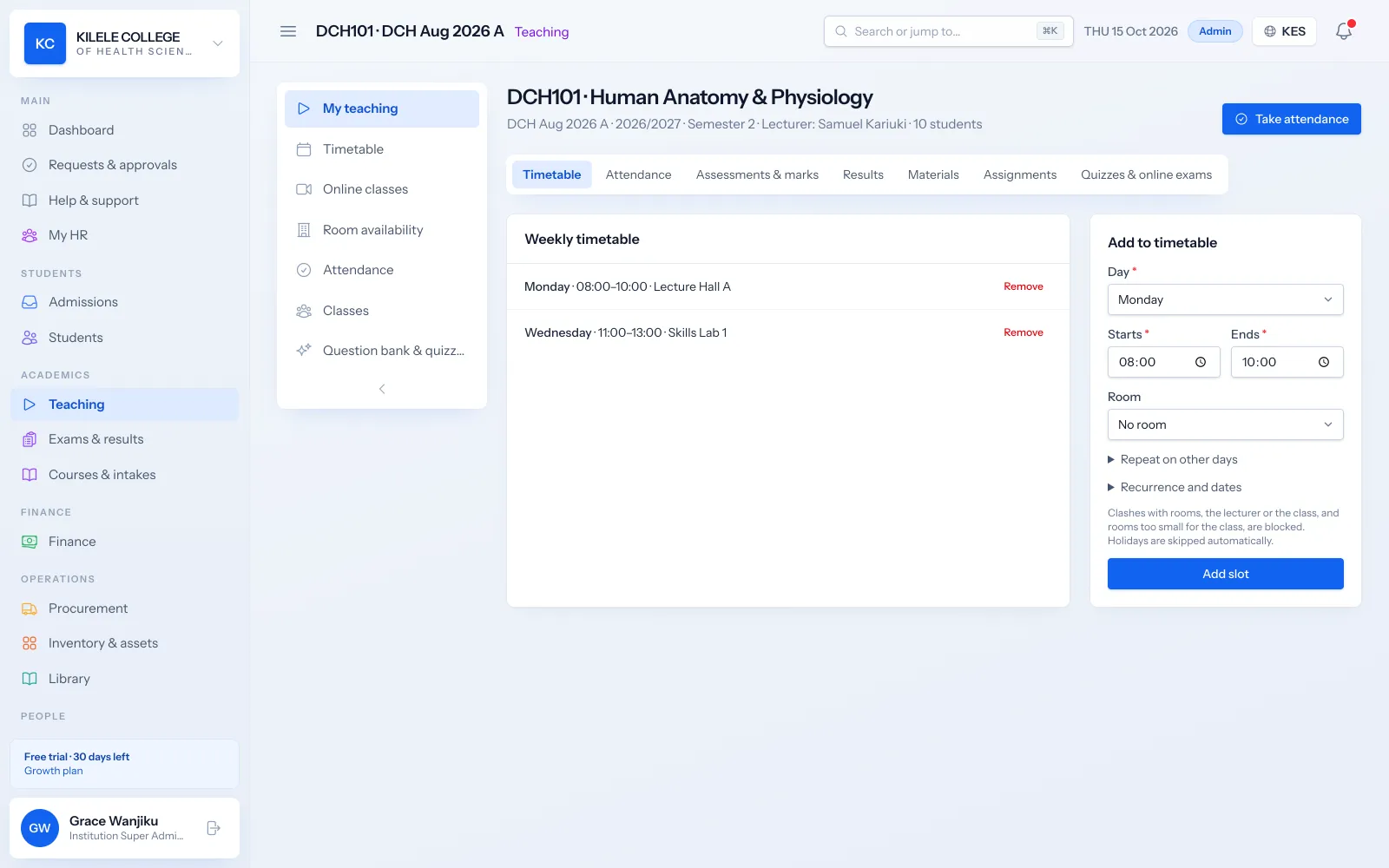
Soma360's learning tools are part of the same system as your timetable, attendance and results, so there is no separate LMS to keep in step. Lecturers share materials and set work for their classes, and the marks flow straight into results.
Part of the same system
Classes, students and marks come from Soma360, so there is no double entry with a separate LMS.
Exams you can trust
Integrity controls and a live monitor for online exams.
Know who is learning
See which students opened materials and submitted work.
Learning (LMS) & online exams
A teaching space for every class
Each class and unit gets its own space with the weekly timetable, materials, assignments, quizzes, attendance and marks in tabs.
- Written lessons, videos, files and links
- Materials organised by week or topic
- See which students opened each material
Learning (LMS) & online exams
Assignments
Set assignments with due dates and instructions, collect submissions online and mark them, with marks feeding the unit's results.
- Online submission of documents and files
- Due dates and late submission tracking
- Marking and feedback per submission
Learning (LMS) & online exams
Quizzes and question banks
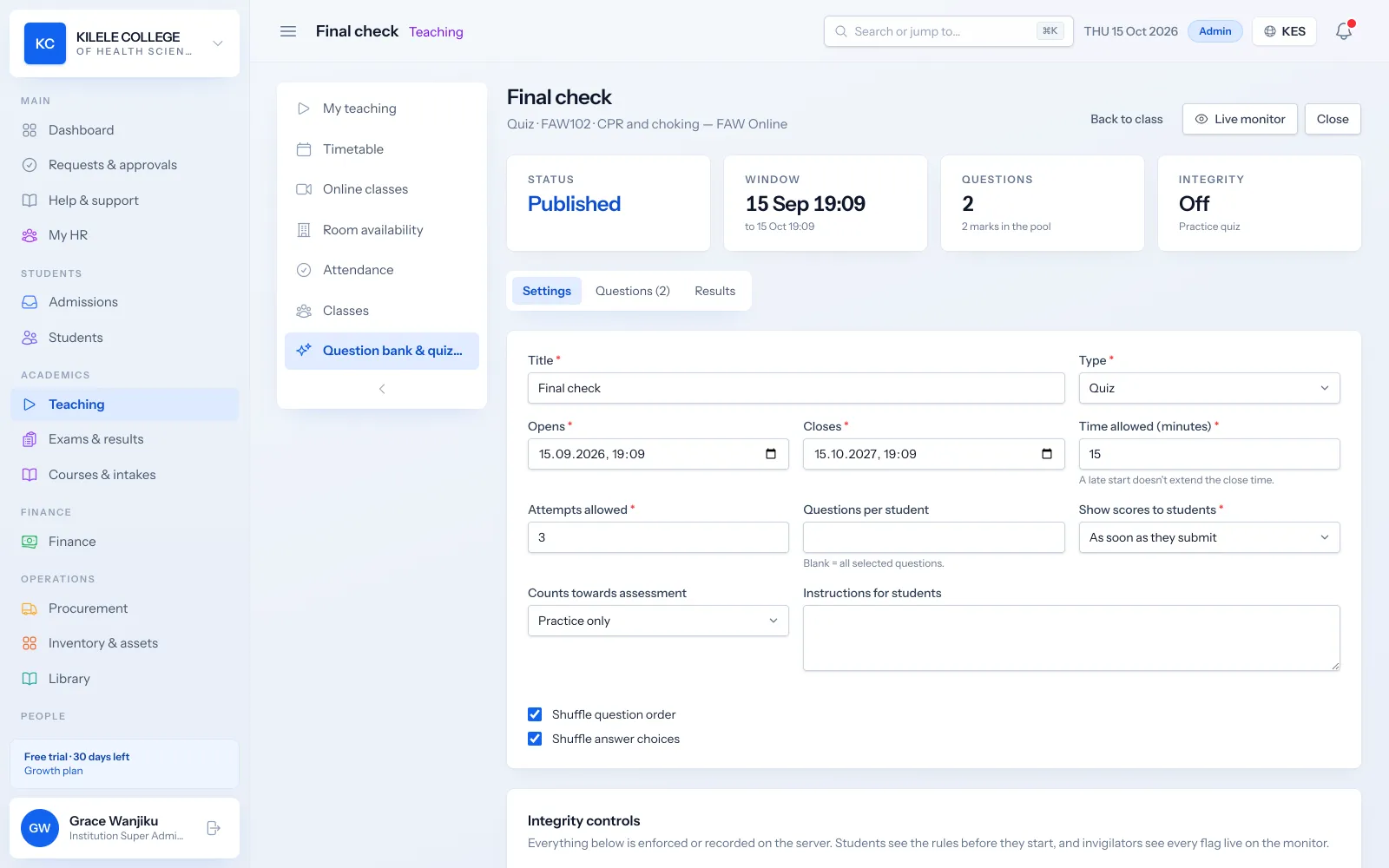
Build a question bank per unit and assemble quizzes from it. Objective questions are marked automatically.
- Multiple choice, true/false, short answer, matching and essay questions
- Difficulty levels and marks per question
- Shuffled questions and options
- Attempts, time limits and when results are shown
Learning (LMS) & online exams
Online exams with integrity controls
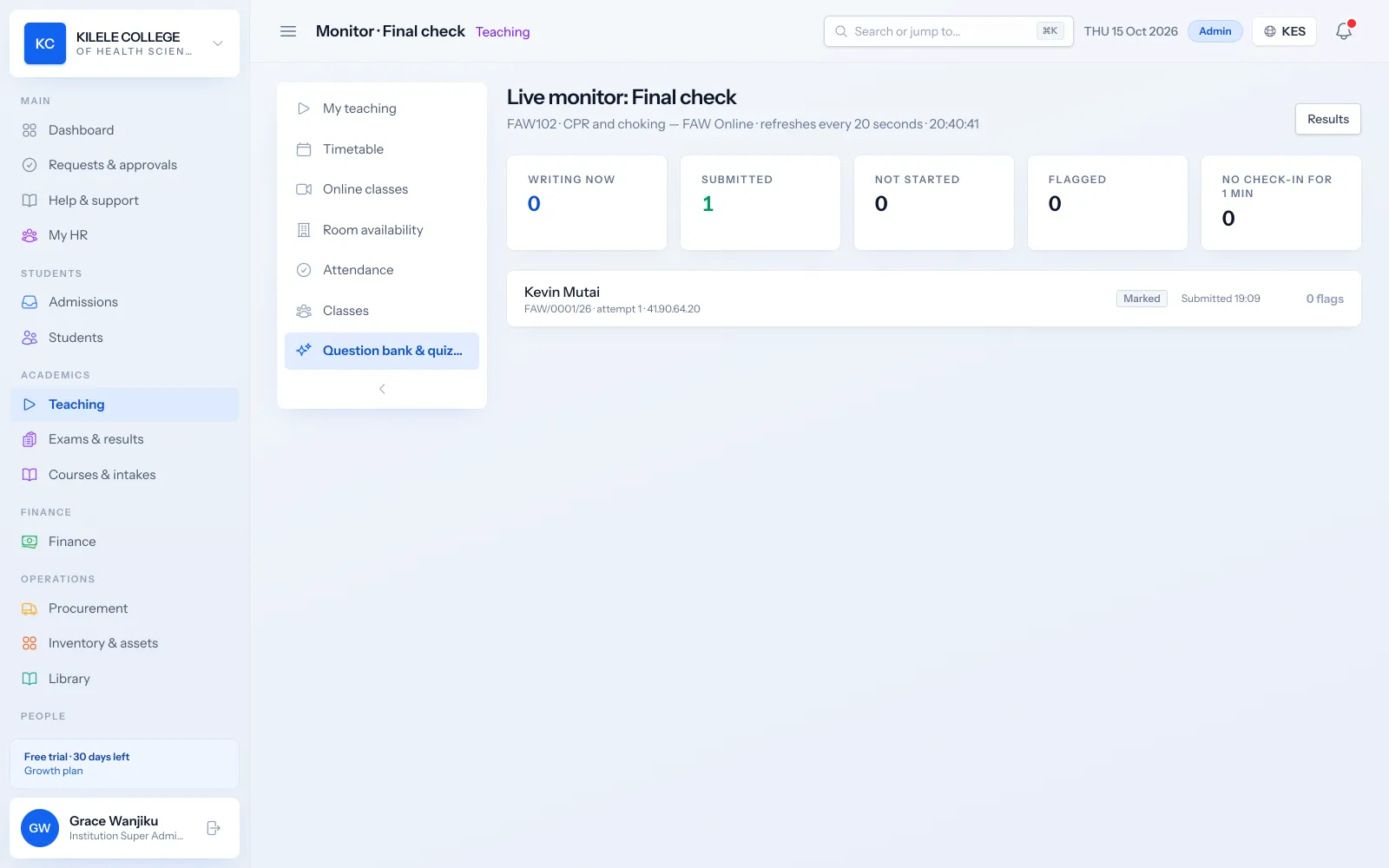
Run CATs and exams online with the controls you need, and watch progress live while the exam is running.
- Access codes and allowed IP addresses
- Lock an attempt to one device
- Require full screen and count tab switches as violations
- Webcam snapshots during the exam
- A violation limit, and automatic submission when time runs out
- Live monitor of who is writing, submitted or flagged
Learning (LMS) & online exams
Live online classes
Schedule online classes on Jitsi (created automatically), Zoom, Google Meet or Microsoft Teams. Students join from the portal and joining marks their attendance.
- Automatic Jitsi rooms or your own Zoom, Meet or Teams links
- One-tap join from the student portal
- Joins recorded into the attendance register
How it works
Learning (LMS) & online exams, step by step
-
1
Prepare
Lecturers add materials and build questions for their units.
-
2
Teach
Students learn from materials and join online classes from the portal.
-
3
Assess
Assignments, quizzes and online exams are taken and marked.
-
4
Report
Marks flow into results; engagement shows up in reports.
Who uses it
Built for everyone involved
Lecturers
Share materials, set work, run quizzes and exams and mark.
Examination officers
Monitor online exams and review integrity flags.
Students
Learn, submit work and sit quizzes from the portal.
FAQ
Questions about Learning (LMS) & online exams
Can online exams be proctored?
Soma360 provides integrity controls: access codes, device lock, full-screen enforcement with violation counting, webcam snapshots, IP restrictions and a live monitor.
Which video platforms work for online classes?
Jitsi rooms are created automatically, or you can use your own Zoom, Google Meet or Microsoft Teams links.
Do quiz marks go into results?
Yes. Quizzes and assignments are assessments of the unit, so their marks feed the unit's results.
Works together with
Related features
Online courses
Self-paced courses with online enrolment, M-Pesa payment and automatic certificates.
Learn moreExaminations & results
Assessments, marks entry, grading, moderation, approval and transcripts.
Learn moreStudent portal
Profile, fee statements, results, announcements, downloads and requests.
Learn moreSee how Soma360 fits your institution
Tell us how your institution works and we will focus the demo on your records, departments and workflows. Prefer to explore alone? Start a 30-day free trial.