
Attendance management
Identify attendance issues early.
Give lecturers a clear way to record attendance and help administrators review participation across classes. Use attendance records to identify repeated absences and guide student follow-up.
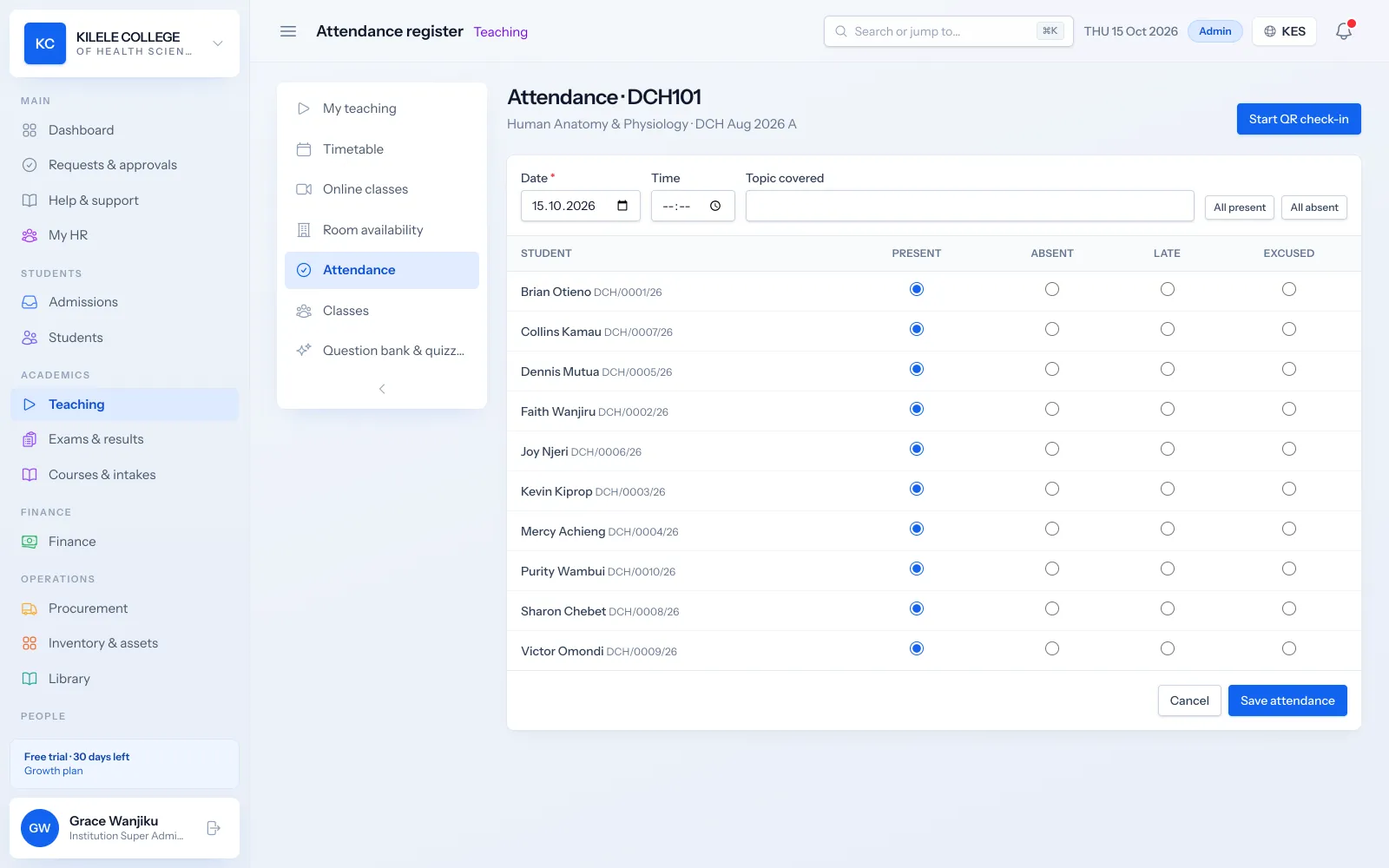
Recorded per lesson
Each lesson has its own register, so you know exactly which sessions a student missed.
Two ways to take it
Lecturers mark a register, or students check in by scanning a QR code.
Early warnings
Students below your minimum attendance can trigger alerts automatically.
Attendance management
Class registers
Every class and unit has a register for each lesson, built from the class list, so lecturers only mark exceptions.
- Registers per lesson for each class and unit
- Statuses: present, absent, late and excused
Attendance management
Attendance entry
Lecturers mark the register on a phone or computer, or open a QR check-in for the lesson. Students scan the code from their own signed-in portal during the check-in window.
- Manual register entry
- Live QR check-in screen for the classroom
- Check-in windows that can be extended or closed early
- Students not checked in are marked absent when the window closes
- Joining an online class from the portal records attendance
Attendance management
Absence history
Each student's attendance record shows every lesson attended or missed, per unit, and students can see their own record in the portal.
- Attendance history per student and unit
- Visible to the student in the portal
- Corrections by staff with permission to record attendance
Attendance management
Student attendance summaries
Attendance percentages are calculated for each student and unit against your institution's minimum, which you set in preferences.
- Attendance percentage per student and unit
- Your own minimum attendance threshold (for example 70%)
- An automation trigger when a student falls below the minimum
- Certificates can require minimum attendance before issue
Attendance management
Programme and intake reports
Administrators review attendance across classes and units and export it for meetings.
- Attendance by class unit report
- Filter by date range
- CSV export and print
How it works
Attendance management, step by step
-
1
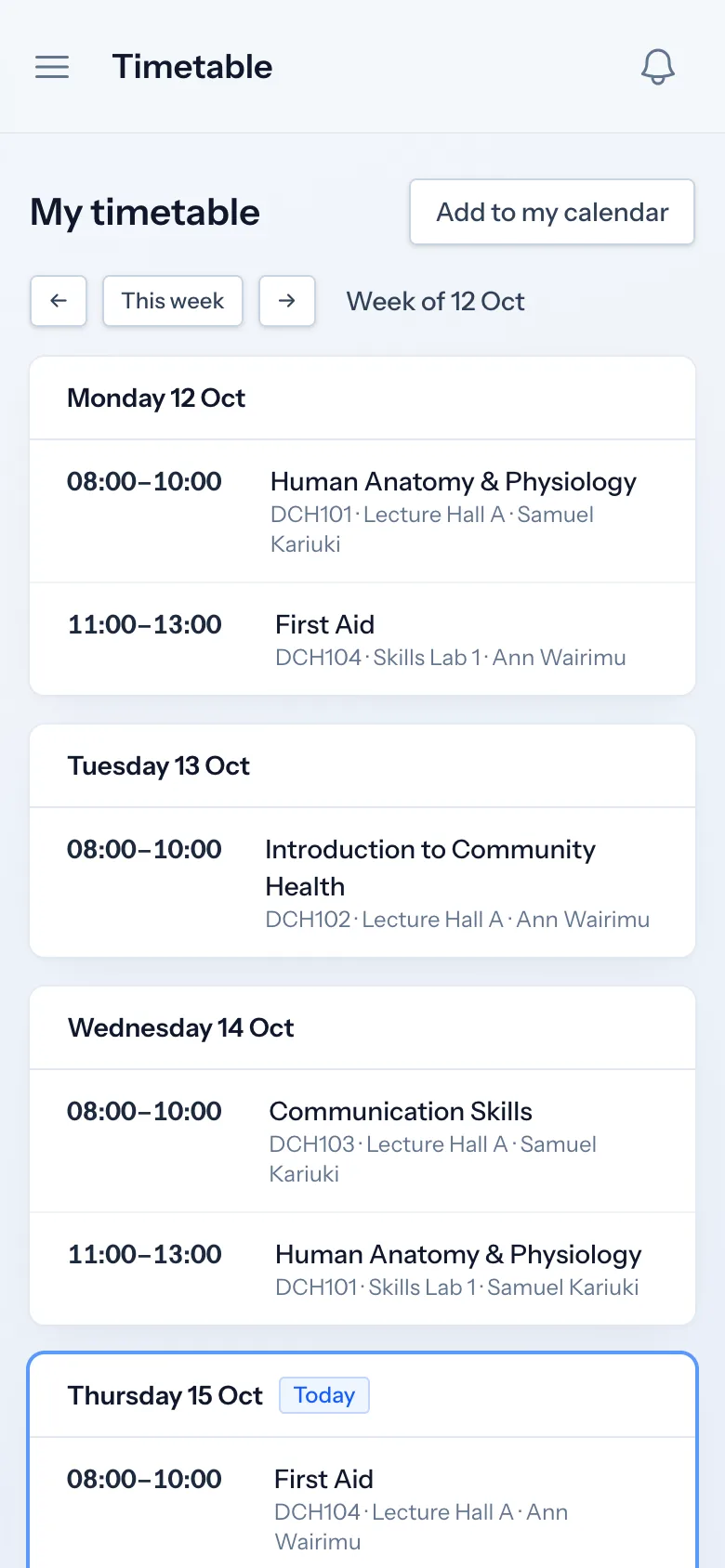
Timetable
Lessons come from the class timetable.
-
2
Record
The lecturer marks the register or opens QR check-in.
-
3
Review
Percentages update per student and unit.
-
4
Follow up
Students below the minimum are flagged and can be messaged automatically.
Who uses it
Built for everyone involved
Lecturers
Record attendance for their lessons.
Registrars and heads of department
Review attendance and follow up absences.
Students
Check in to class and see their own attendance.
FAQ
Questions about Attendance management
Who records attendance?
Lecturers, or any staff whose role includes recording attendance. With QR check-in, students record their own attendance by scanning the code shown in class from their signed-in portal.
Is attendance recorded per lesson or per day?
Per lesson. Each class and unit has a register for each lesson, so a student can be present for one unit and absent for another on the same day.
How are corrections approved?
Staff with permission to record attendance can correct or remove a lesson's register. There is no separate approval step for corrections, so limit this permission to the staff who should have it.
Which attendance reports are available?
Attendance by class unit, with a date range filter, CSV export and print. Each student's profile also shows their attendance percentage per unit.
Works together with
Related features
See how Soma360 fits your institution
Tell us how your institution works and we will focus the demo on your records, departments and workflows. Prefer to explore alone? Start a 30-day free trial.